Retro Tape
For iPhone and iPad
Your videos,
back on VHS.
Turn everyday clips into home movies.
Retro Tape recreates the imperfections that gave VHS its character — soft color bleed, tracking jitter, tape noise, scanlines, occasional dropouts and the warm, slightly faded tone of analog video.
Requires iOS 26 or later
01 The look
Dial up the
nostalgia.
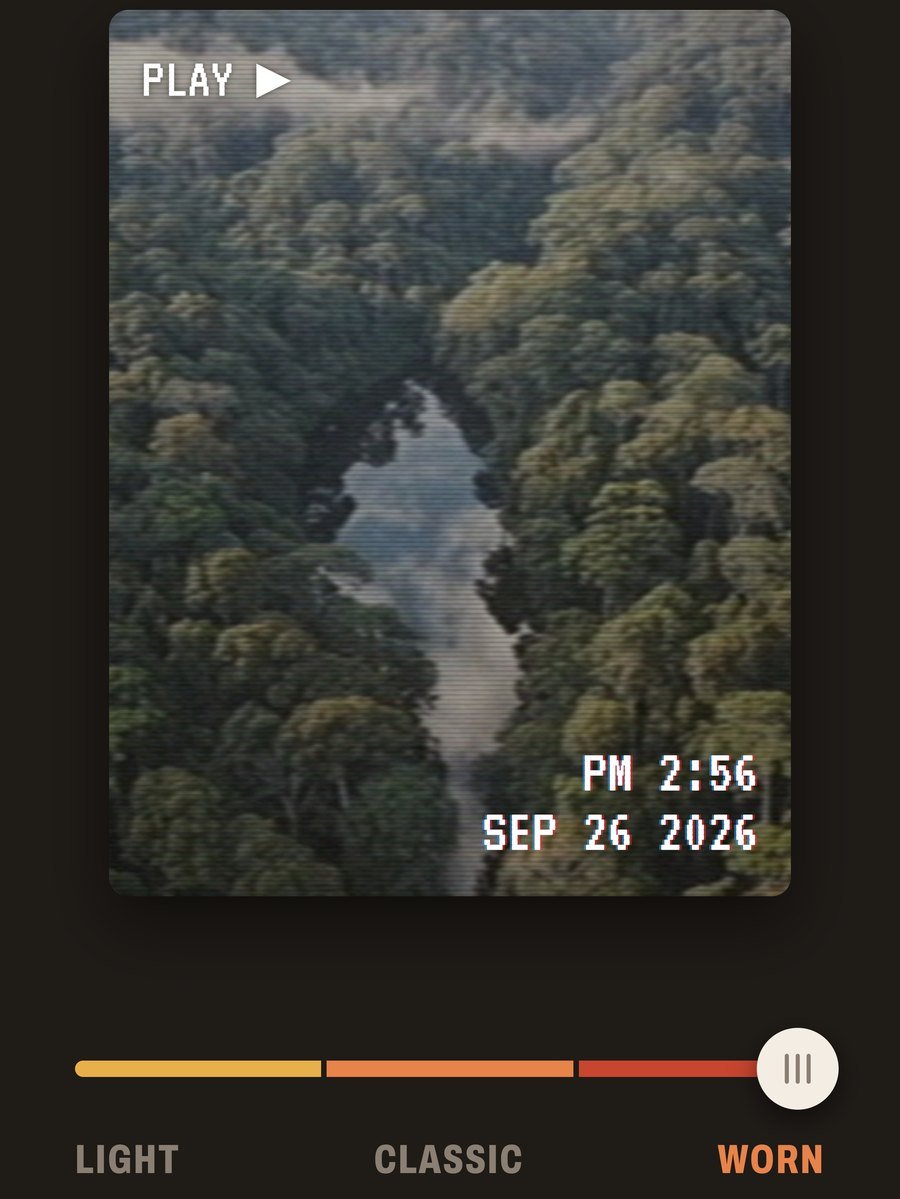
From lightly faded to well-worn.
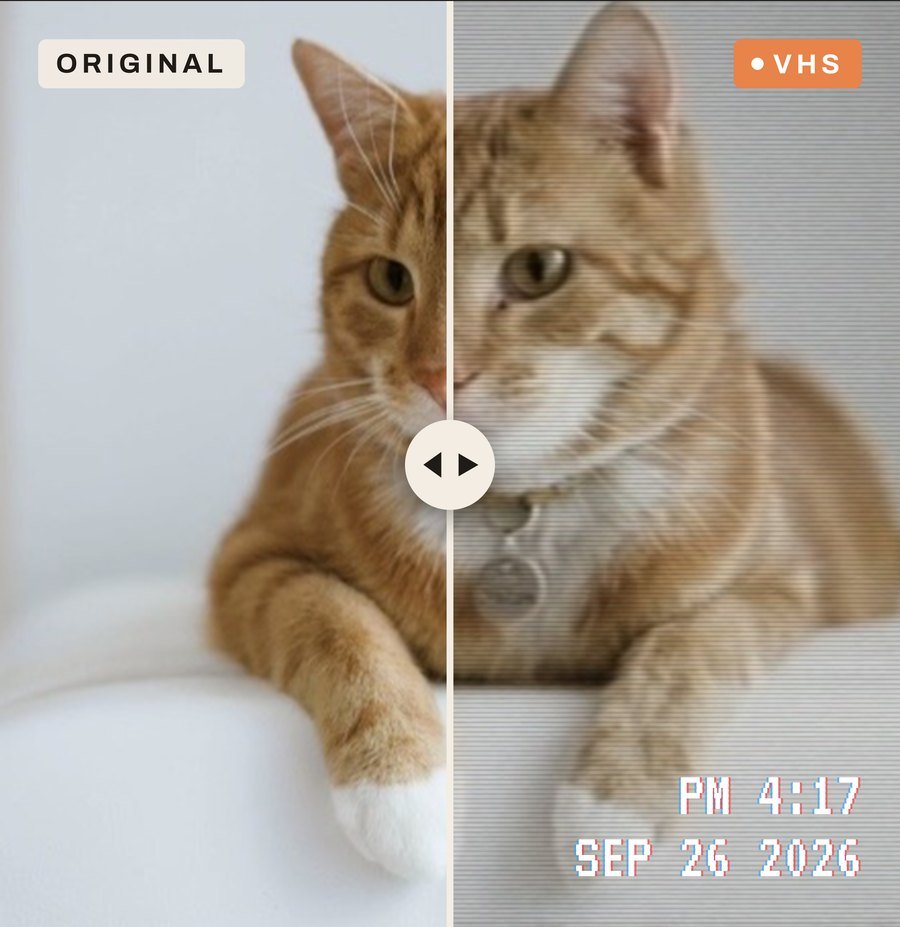
Instead of overwhelming you with sliders, Retro Tape uses a carefully tuned Classic VHS look designed to feel natural rather than like a filter pasted on top. Switch between Original and VHS while previewing your video, and choose whether to include the classic recording date and time on screen.
- Light
- Classic
- Worn
- Date & time stamp
02 The shelf
Make a tape
of your own.
Your favorite clips, together.
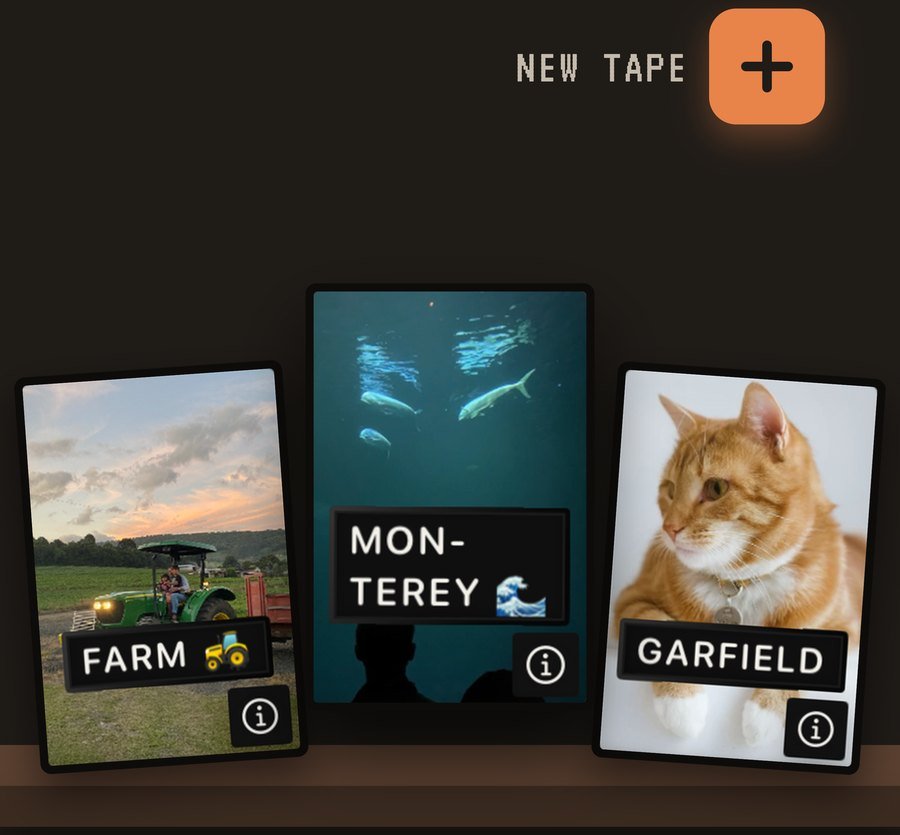
Retro Tape turns your Photo Library into a collection of virtual VHS tapes. Videos are automatically organized into tapes by year, while Custom Tapes let you group your favorite moments together and give them their own label. Custom tapes can be reopened and edited whenever you want.
03 Playback
Rewind the
good times.
Familiar controls. Favorite moments.
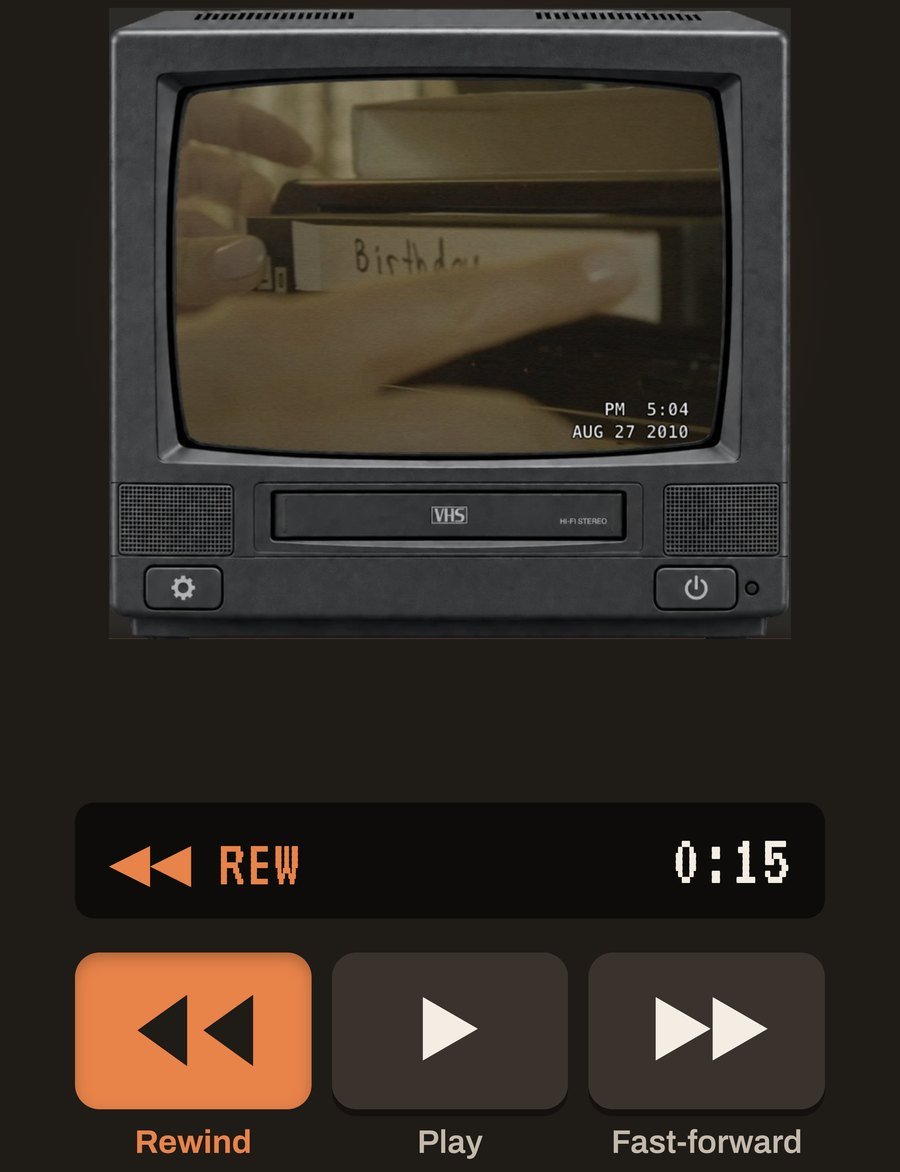
Browse the shelf, choose a tape and watch it physically travel into the VCR. From there you can play through its clips, skip forwards or backwards, shuffle playback, eject it and choose another tape.
04 Export
Export it. Keep it. Share it.
When your clip is ready, Retro Tape renders the VHS effect directly into the finished video, including the optional date and time overlay. Save it straight to Photos, or open the share sheet to send it through Messages, AirDrop, social apps and anywhere else your device supports.
Rendering happens on your device, so export time depends on the length and resolution of the original video and the speed of your iPhone or iPad. Live progress is shown while it renders; for videos longer than 10 minutes, keep Retro Tape open until it finishes.
- Format
- MP4
- Longest edge
- Up to 1920px
- Frame rate
- Up to 30 fps
- Aspect ratio
- Preserved